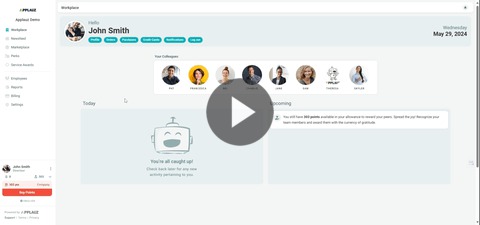
1. Login to Applauz
2. Click on Service Awards
3. Click on All Redemptions
4. View redemptions in-app or export the list on the top right-hand side by clicking Download CSV
![applauz_logo.svg]](https://www.applauz.me/hubfs/applauz_logo.svg)
1. Login to Applauz
2. Click on Service Awards
3. Click on All Redemptions
4. View redemptions in-app or export the list on the top right-hand side by clicking Download CSV